
iOS 26.4.2 and iOS 18.7.8 Fix Security Issue in Notification Services on iPhone and iPadOS Devices
Apple Releases Important Security Update for iPhone and iPadOS
Apple has officially released iOS 26.4.2 and iOS 18.7.8, bringing a focused security fix for both iPhone and iPadOS devices.
Unlike feature updates, this release is centered entirely on improving system security and addressing a Notification Services vulnerability that could affect how deleted notifications are handled in iOS.
The update applies across Apple’s ecosystem, ensuring both iPhone and iPadOS users receive the same protection level.

What Is the Notification Services Security Issue?
The core issue exists within Notification Services, the system responsible for managing push notifications across iPhone and iPadOS.
Apple identified a flaw where deleted notifications were not always fully removed from system storage.
This issue is related to data remanence, meaning:
- Notifications marked as deleted may still exist in system-level caches
- Background logs could retain fragments of notification content
- Certain system processes may not immediately clear stored notification data
👉 In simple terms:
Deleting a notification on iPhone or iPadOS did not always guarantee complete removal.
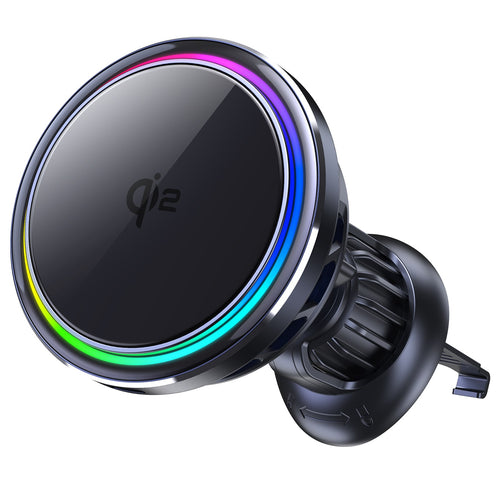
SuVolt Gen5 Qi2.2 25W Car Charger
Qi2.2 active cooling car charger for stable high-speed wireless charging.
Supports up to 25W fast charging with intelligent temperature control system.
Built for navigation, long drives, and secure magnetic mounting stability.
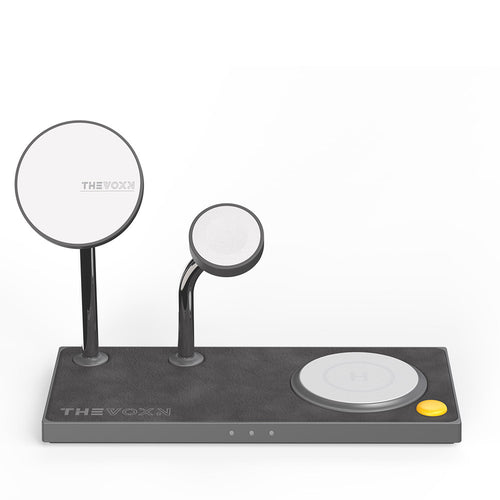
THEVOXN 5-in-1 MagSafe Charging Stand
All-in-one 5-in-1 charging station for iPhone, AirPods, and Apple Watch.
Dual MagSafe alignment ensures stable multi-device charging efficiency.
Clean desktop setup with organized and fast charging experience.
How This Issue Affects iPhone and iPadOS Devices
The vulnerability is not limited to iPhones—it also affects iPadOS systems, since both platforms share the same notification architecture.
This means:
- iPhone users may experience residual notification data storage
- iPadOS devices may also retain similar cached notification information
- Both systems rely on the same Notification Services framework
Apple has addressed this across both platforms in the latest updates.

Why Deleted Notifications Were Not Fully Removed
Modern iOS and iPadOS systems use background processes to improve performance and responsiveness.
These include:
- Notification caching for faster delivery
- System logging for background processes
- Temporary storage for push notification optimization
However, in some cases, the deletion process did not fully sanitize all stored data.
The iOS 26.4.2 and iOS 18.7.8 updates improve this behavior by ensuring that notification data is properly cleared at system level.

ZEERA AirFlat – Anti-Wobble Lens Cover
Ultra-flat lens cover designed for iPhone Air camera stability.
Reduces wobble and improves flat placement on any surface.

ZEERA MagSkin – Ultra-Thin MagSafe Back Plate
Minimalist magnetic back plate for MagSafe compatibility.
Ultra-thin design keeps iPhone Air lightweight and protected.
What Kind of Data Could Be Affected?
While this is not a hacking vulnerability, it still involves sensitive information that may appear in notifications, such as:
- Message previews from iMessage, WhatsApp, and similar apps
- One-time verification codes (OTP / 2FA)
- Email and banking alerts
- Social media notifications containing private content snippets
Even with encrypted messaging apps, notification previews can still expose partial data on screen or in system storage.

Mac Mini M4 Aluminum Cooling Case
CNC aluminum enclosure for Mac Mini M4 / Mac Mini M4 Pro, improves heat dissipation,
reduces thermal throttling, and enhances Mac Pro-style aesthetics with
premium build quality for desktop setups.
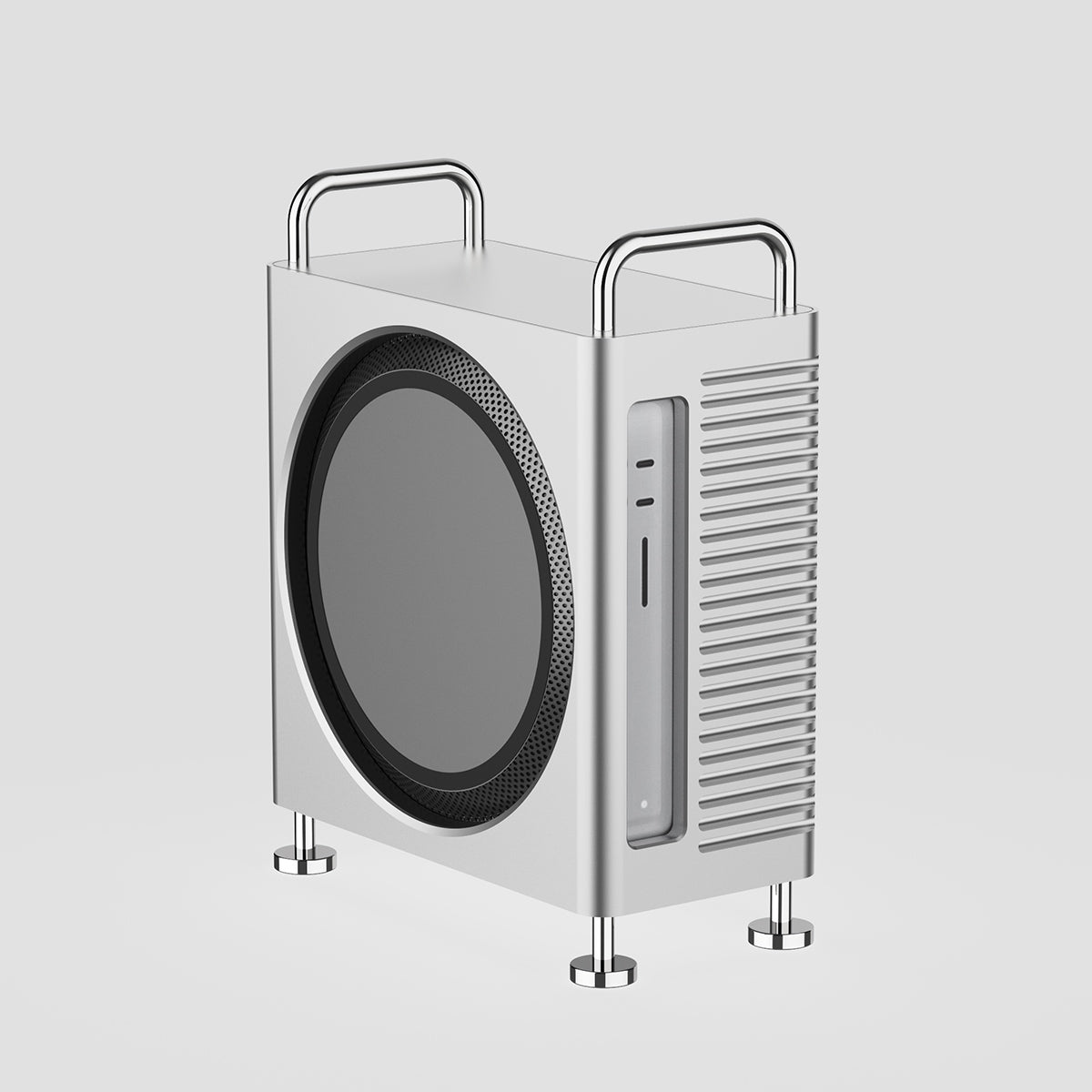
Mac Studio Aluminum Enclosure Case
CNC aluminum enclosure for Mac Studio, improves airflow and thermal performance,
designed for heavy workloads with Mac Pro-inspired structure and stable
high-performance cooling architecture.
iOS 26.4.2 vs iOS 18.7.8 Explained
Apple has released two parallel updates:
- iOS 26.4.2 → for devices running the latest iOS version
- iOS 18.7.8 → for older iPhone and iPadOS devices still receiving security updates
Both updates:
- Fix the same Notification Services security issue
- Improve system-level data handling
- Do not introduce new features or UI changes
👉 This ensures consistent protection across both newer and older Apple devices.
iPhone and iPadOS Users: Should You Be Concerned?
For most users, this issue does not indicate active exploitation or hacking.
However, the level of concern depends on usage:
Low risk users:
- Personal devices
- No shared access
- Standard app usage
Higher risk users:
- Shared or managed devices
- Business or enterprise environments
- Users handling sensitive communications (finance, legal, corporate data)
The key concern is data persistence after deletion, not external attacks.
What You Should Do Now
Apple has already released the fix, so updating is the most important step:
✅ 1. Update your devices immediately
- iPhone: Settings → General → Software Update
- iPadOS: Settings → General → Software Update
✅ 2. Improve notification privacy settings
- Disable lock screen preview for sensitive apps
- Use “When Unlocked” notification display
✅ 3. Be mindful of sensitive alerts
Especially for:
- Banking apps
- Authentication codes
- Private messaging services
Final Thoughts
The release of iOS 26.4.2 and iOS 18.7.8 highlights an important aspect of modern mobile security:
👉 Privacy is not only about encryption, but also about how operating systems manage deleted data.
By addressing this Notification Services security issue, Apple improves how both iPhone and iPadOS devices handle sensitive information at system level.
Updating your device ensures that deleted notifications are fully removed and not retained in background storage.


