
iOS 26.6.1 Issues: Should You Update Now or Wait for iOS 27?
Updated: August 20, 2026
Apple has released iOS 26.6.1, and if the update is already showing on your iPhone, the real question probably isn't what changed.
It's this:
Should you install iOS 26.6.1 now, or leave your iPhone alone and wait for iOS 27?
The good news is that, so far, there is no clear sign of a major widespread iOS 26.6.1 problem.
The early user complaints we can identify are mainly related to downloading or installing the update rather than a serious bug appearing after installation. At the same time, iOS 26.6.1 contains a much larger security patch than its small version number might suggest.

Quick Answer: Should You Install iOS 26.6.1?
For most users, yes.
Apple released iOS 26.6.1 on August 17, 2026, and describes it as an update that provides security fixes for the iPhone. There are no major new user-facing features to learn or configure.
More importantly, Apple's security documentation lists 29 CVE entries, including 21 related to WebKit, WebKit History or WebKit Storage, along with fixes affecting ImageIO, the Kernel, Telephony and other system components.
So if your choice is:
Install iOS 26.6.1 now or stay on an older version simply because iOS 27 is coming
we would install 26.6.1.
Updating now does not stop you from moving to iOS 27 later.
Ultra-Thin MagSafe Back Plate Series
ZEERA MagSkin Air Ultra-Thin Magnetic Plate
- Only 0.3mm thin
- MagSafe compatible
- Preserves Air feel
- Light back guard
- Case-free carry

ZEERA MagSkin Pro Ultra-Thin Magnetic Back Plate
- Ultra-thin Pro fit
- MagSafe compatible
- Bare-phone feeling
- Camera deco guard
- Minimal daily carry

ZEERA AirFlat Lens Cover for iPhone Air
- Makes back flat
- Stops desk wobble
- Protects camera lens
- Slim matching look
- Easy clean design

Why Is iOS 26.6.1 Worth Installing?
iOS 26.6.1 does not add major new features, but Apple lists 29 security fixes in this update.
The most important areas include:
- WebKit — Apple fixed multiple vulnerabilities affecting Safari and web content, including issues that could cause crashes, memory corruption or expose sensitive information.
- ImageIO — These fixes address vulnerabilities triggered when iOS processes specially crafted images, including one that could potentially allow arbitrary code execution.
- Kernel — Apple patched several low-level system vulnerabilities that could lead to crashes, memory exposure or memory corruption.
-
Telephony — A network-related vulnerability was fixed that, under specific conditions, could allow an attacker to intercept network traffic.
For most users, the takeaway is simple: iOS 26.6.1 is worth installing mainly for security, not new features.
For a deeper technical breakdown, ZEERA has published a more detailed analysis of the iOS 26.6.1 security fixes.

Why Not Just Wait for iOS 27?
This is where iOS 26.6.1 gets interesting.
Apple explicitly says that the security fixes included in iOS 26.6.1 were first made available in the iOS 27 and iPadOS 27 betas.
In other words, Apple already had these fixes in the next-generation software branch.
Instead of making users on stable iOS 26 wait for the public release of iOS 27, Apple has brought those security fixes back to the current stable system.
That makes iOS 26.6.1 especially relevant for people who don't want to install beta software.
You can stay on stable iOS 26, receive the security fixes now, and upgrade to iOS 27 later.
There is no need to choose between the two.

Should You Update Today or Wait?
For most users, yes — update to iOS 26.6.1.
Update now if:
- you want the latest security fixes;
- your iPhone is working normally;
- you have a recent backup.
Consider waiting if:
- you're traveling soon;
- your iPhone is critical for work;
- you rely on specialized software or accessories.
Waiting is mainly about avoiding disruption, not because iOS 26.6.1 currently appears unsafe.
ZEERA iPhone Ultra MagSafe Case Series
ZEERA ClearGuard Pro Crystal Clear MagSafe Case for iPhone Ultra
- Crystal-clear PC backplate
- Built-in MagSafe compatibility
- Reinforced corners for drop protection
- Raised screen and camera protection
- Responsive independent buttons

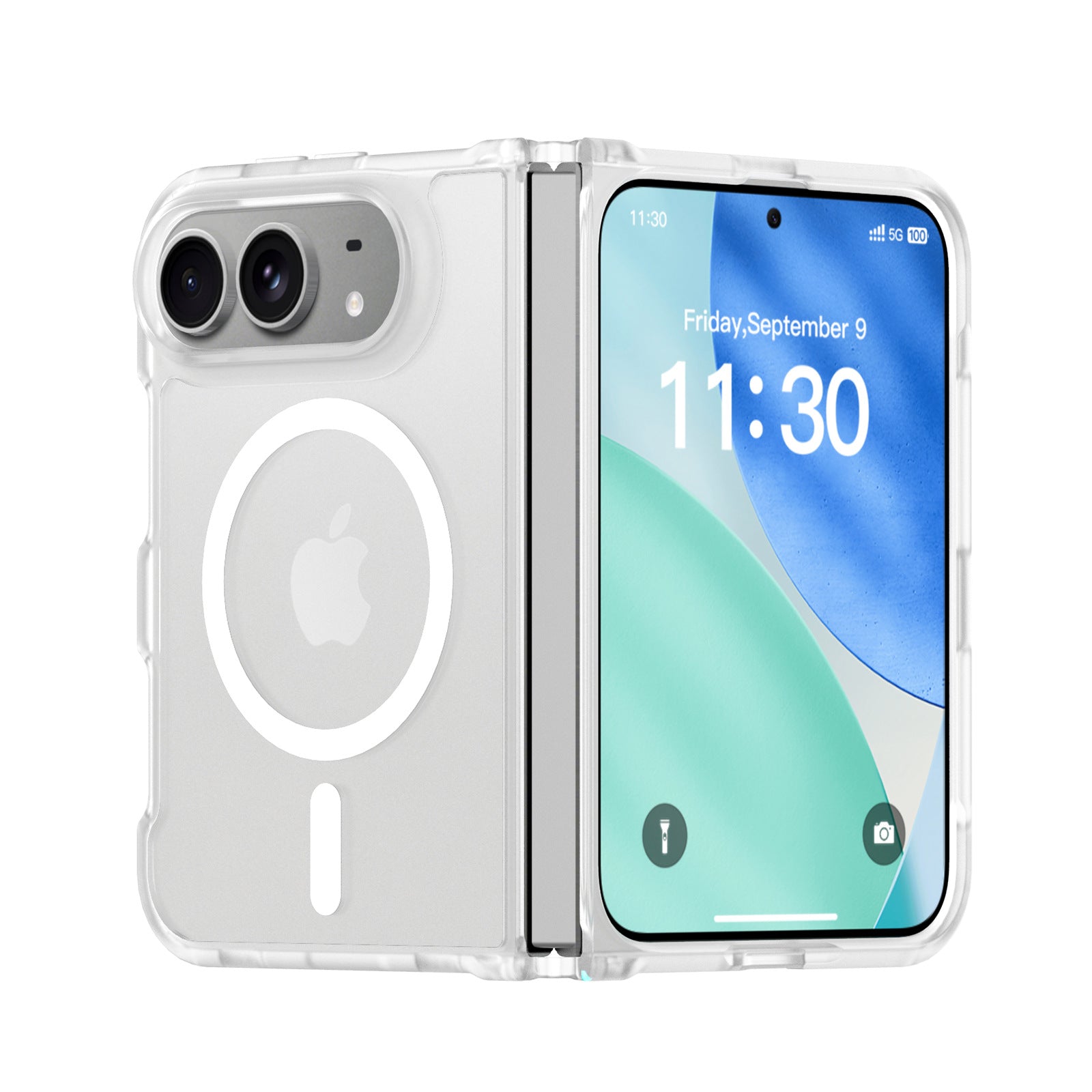
ZEERA FrostGuard Pro Matte Translucent MagSafe Case for iPhone Ultra
- Soft-touch matte translucent back
- 2mm reinforced backplate
- 1.5mm raised camera protection
- Flexible TPU hinge frame
- Built-in MagSafe compatibility
ZEERA ColorGuard Pro MagSafe Vegan Leather Case for iPhone Ultra
- Built-in tempered glass screen protector
- Premium vegan leather finish
- Magnetic hinge protection
- Reinforced shock-resistant frame
- Strong built-in MagSafe magnets

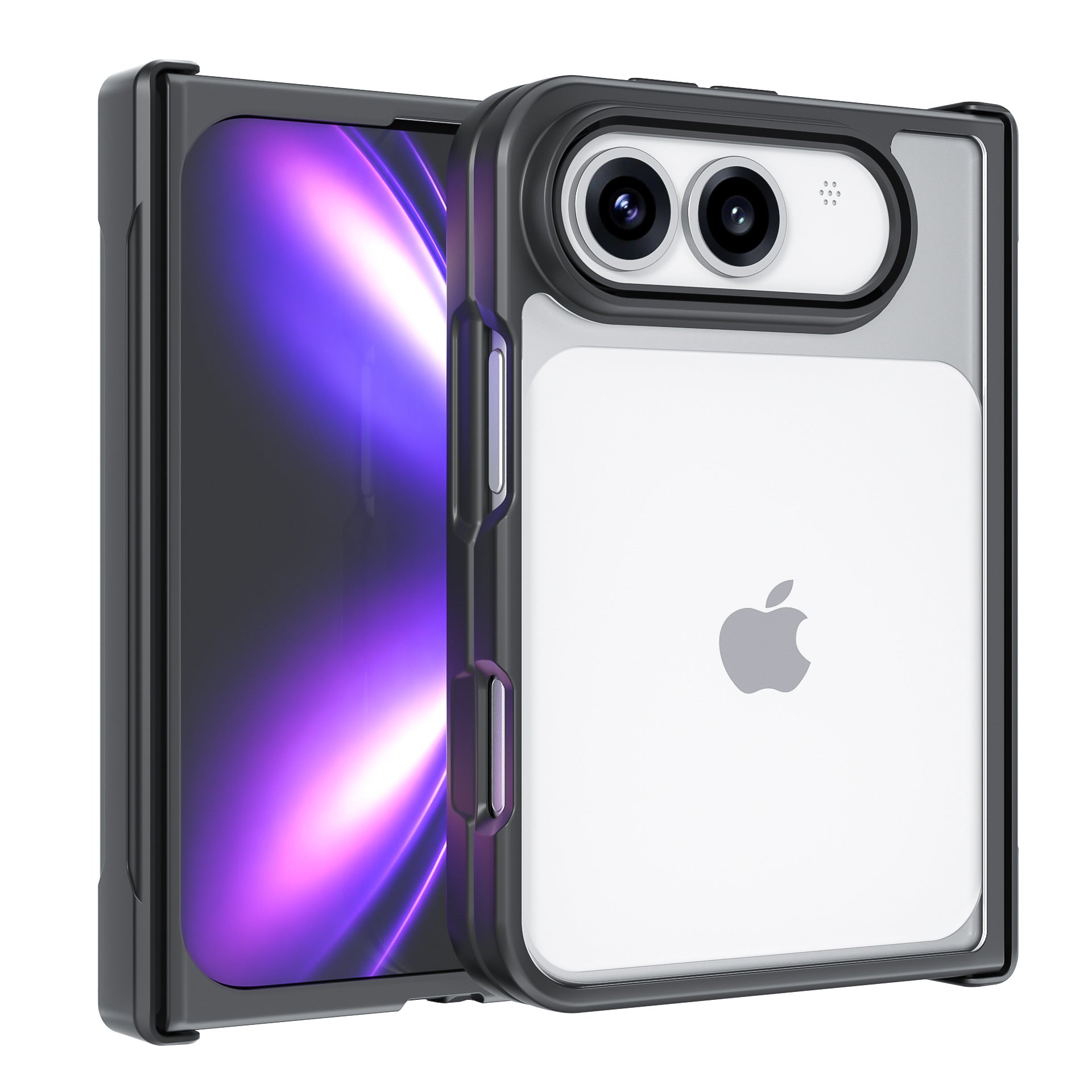
ZEERA FoldGuard Case for iPhone Ultra – 360° Full Protection
- Protects both screens and the hinge
- Flexible shock-absorbing TPU frame
- Durable PC backplate
- Optional N52 MagSafe version
- Optional 360° rotating stand
Problems You May Encounter When Updating to iOS 26.6.1
Most of the early issues reported so far are related to the update process itself, rather than problems after iOS 26.6.1 has been installed.
Users have reported:
- Stuck on “Update Requested” — the download does not start or eventually fails.
- Update fails to download or install — the process stops before completion.
- Problems updating over cellular data — switching to Wi-Fi may help.
If your update is stuck, try connecting to stable Wi-Fi, restarting your iPhone, checking available storage, and then trying again later.
So far, these reports do not suggest a widespread problem with iOS 26.6.1 itself.
iOS 26.6.1 Stuck on Update Requested? Try This
If you have already decided to update but your iPhone won't cooperate, start with the simplest fixes.
1. Switch to Wi-Fi
Connect to a reliable Wi-Fi network, especially if you were trying to update using cellular data.
Then return to:
Settings → General → Software Update
and try again.
2. Restart Your iPhone
If the update remains stuck on “Update Requested,” restart the device and check Software Update again.
A stalled update request does not necessarily indicate a hardware problem.
3. Check Free Storage
Go to:
Settings → General → iPhone Storage
If the device is almost full, free some space before retrying the download.
4. Try Again Later
If your Wi-Fi and storage are fine but the update still refuses to download, trying again later is reasonable.
Repeatedly restarting the same failed download usually doesn't give you useful information about what went wrong.
ZEERA MagSafe Wireless Charging Series
ZEERA MagTri Gen2 Qi2.2 Foldable MagSafe Charger
- 25W Qi2.2
- 3-in-1 fold
- Active cooling
- Travel size
- 3-device ready

ZEERA MagSion 5-in-1 Dual MagSafe Charger Stand
- Dual MagSafe
- 5-in-1 stand
- Watch charging
- Angle adjust
- Clean setup

ZEERA SuVolt Gen5 Qi2.2 Active Cooling Car Charger
- 25W Qi2.2
- Active cooling
- Strong magnet
- CarPlay ready
- Heat control

Which iPhones Support iOS 26.6.1?
Apple lists iOS 26.6.1 for iPhone 11 and later.
That includes recent generations such as the iPhone 15, iPhone 16, iPhone 17 and iPhone Air families, as well as older iOS 26-compatible devices going back to the iPhone 11 generation.
If your iPhone is too old for iOS 26, check Apple's security release page for updates available to older supported iOS branches.
Bottom Line
iOS 26.6.1 is not an exciting update.
That's also not the reason to install it.
There are currently no clear signs of a major widespread iOS 26.6.1 problem, while the update includes 29 documented security fixes covering areas such as WebKit, ImageIO, the Kernel and Telephony.
The early problems being reported are mainly related to getting the update downloaded and installed successfully.
And if you're waiting for iOS 27, that isn't a strong reason to skip 26.6.1.
Apple has specifically brought security fixes that were already available in the iOS 27 beta branch to stable iOS 26.
For most users, the practical choice is simple: install iOS 26.6.1 now, then upgrade to iOS 27 when you're ready.
FAQ
Is iOS 26.6.1 safe to install?
So far, there is no clear evidence of a major widespread issue affecting iOS 26.6.1. The early reports we can identify are primarily related to downloading or installing the update.
Are there known iOS 26.6.1 bugs?
Some users have reported update-download and installation problems, including getting stuck on “Update Requested.” We do not currently have enough evidence to label other isolated complaints as widespread iOS 26.6.1 bugs.
What does iOS 26.6.1 fix?
Apple says the release provides security fixes. Its detailed bulletin lists 29 CVE entries covering WebKit and related components, ImageIO, IOGPUFamily, Kernel, Telephony and Audio.
Does iOS 26.6.1 have new features?
Apple does not list new user-facing features for iOS 26.6.1. Its official release note describes the version as providing security fixes for the iPhone.
Should I wait for iOS 27 instead?
For most users, no. Apple says the security fixes in iOS 26.6.1 were first made available in the iOS 27 beta, so installing 26.6.1 lets you receive those fixes while remaining on stable iOS 26.
Is iOS 26.6.1 the latest iPhone update?
Yes. As of August 20, 2026, Apple lists iOS 26.6.1 as the latest iOS and iPadOS version.


