
iOS 27 Camera Explained: What Siri Mode Can Do and Which iPhones Support It
Updated: August 21, 2026
Quick Answer: iOS 27 adds a new Siri Mode directly to the iPhone Camera app, allowing supported iPhones to understand what the camera sees and answer questions about food, plants, text, products, receipts and more.
The important catch is compatibility. An iPhone may support iOS 27 without supporting the full Siri AI Camera experience. Apple Intelligence and Siri AI require newer hardware, including the iPhone 17 lineup or later and the iPhone 16 Pro or iPhone 16 Pro Max.

What Is Siri Mode in the iOS 27 Camera?
Siri Mode is a new Camera mode that combines the iPhone camera with Visual Intelligence and Siri AI.
Instead of taking a photo first and then searching for information separately, you can point your iPhone at something, open Siri Mode and ask questions about what is in front of you.
Apple describes it as a way to search, ask questions and take actions based on what the camera sees.
That makes Camera less like a simple photo-capture app and more like a visual input for Siri.
Apple has officially demonstrated the feature as part of Siri AI in iOS 27.

What Can Siri Mode Actually Recognize?
The feature is broader than simple object identification.
Depending on what you point the camera at, Siri Mode can interpret visual information and help you do something with it.
- Food: identify a dish and show ingredients or nutritional information.
- Plants: identify a plant and answer questions about care.
- Text: translate, explain or search text visible through the camera.
- Event flyers: recognize dates and potentially add an event to Calendar.
- Products: visually search for similar products or more information.
- Receipts: understand prices and help calculate how to split a bill.
- Landmarks and objects: identify what you are looking at and provide additional context.
The key difference is that you can continue asking follow-up questions rather than receiving only a single visual search result.
Ultra-Thin MagSafe Back Plate Series
ZEERA MagSkin Air Ultra-Thin Magnetic Plate
- Only 0.3mm thin
- MagSafe compatible
- Preserves Air feel
- Light back guard
- Case-free carry

ZEERA MagSkin Pro Ultra-Thin Magnetic Back Plate
- Ultra-thin Pro fit
- MagSafe compatible
- Bare-phone feeling
- Camera deco guard
- Minimal daily carry

ZEERA AirFlat Lens Cover for iPhone Air
- Makes back flat
- Stops desk wobble
- Protects camera lens
- Slim matching look
- Easy clean design

Can the iOS 27 Camera Identify Food and Calories?
Yes, but iOS 27 does not add a dedicated calorie-counting camera.
Apple has demonstrated Siri Mode recognizing food and displaying nutritional information about a meal.
For example, you could point the camera at a dish and ask Siri what it is, what ingredients it normally contains or approximately how many calories it may have.
The result comes from Visual Intelligence and Siri's understanding of the image rather than a special “Calorie Counter” mode.
That distinction matters because nutrition information should still be treated as an estimate. Portion size, preparation methods and ingredients can change the actual calorie count significantly.

How Is Siri Mode Different From Visual Intelligence?
Visual Intelligence itself is not completely new. What changes in iOS 27 is how Apple makes it accessible.
On previous supported iPhones, Visual Intelligence was closely associated with Camera Control and a separate visual-search workflow.
With iOS 27, that intelligence moves directly into the Camera app as a dedicated mode alongside familiar options such as Photo and Video.
The workflow becomes much simpler:
Before: activate Visual Intelligence → scan something → search or identify it.
iOS 27: open Camera → swipe to Siri Mode → point at something → ask a question or perform an action.
This tighter integration may ultimately matter more than any individual recognition feature because users no longer need to think of Visual Intelligence as a separate tool.
ZEERA MagSafe Wireless Charging Series
ZEERA MagTri Gen2 Qi2.2 Foldable MagSafe Charger
- 25W Qi2.2
- 3-in-1 fold
- Active cooling
- Travel size
- 3-device ready

ZEERA MagSion 5-in-1 Dual MagSafe Charger Stand
- Dual MagSafe
- 5-in-1 stand
- Watch charging
- Angle adjust
- Clean setup

ZEERA SuVolt Gen5 Qi2.2 Active Cooling Car Charger
- 25W Qi2.2
- Active cooling
- Strong magnet
- CarPlay ready
- Heat control

Which iPhones Support Siri Mode in Camera?
This is one of the most important details about the iOS 27 Camera update.
Installing iOS 27 does not guarantee access to Siri AI.
Apple says the new Apple Intelligence and Siri AI features require:
- iPhone 17 series or later
- iPhone 15 Pro
- iPhone 15 Pro Max
Newer models such as the iPhone 17 lineup are also supported.
Older devices including the iPhone 13, iPhone 14 and standard iPhone 15 may still receive iOS 27 and general Camera improvements, but they should not be expected to receive the complete Siri AI Camera experience.
This is becoming an increasingly important distinction with modern iOS updates: OS compatibility and feature compatibility are no longer the same thing.
For the full device list, see our iOS 27 compatibility guide.
What Else Changes in the iOS 27 Camera Interface?
Outside Siri Mode, Apple is making smaller changes rather than completely redesigning the Camera app.
Common controls such as Flash, Live Photo and Night Mode are easier to reach, while additional Camera tools have been reorganized.
The familiar Photo, Video and other shooting modes remain, so users upgrading from iOS 26 should not need to relearn the entire Camera interface.
This makes iOS 27 more of a functional upgrade than a visual overhaul.
What Is RAW 9 in iOS 27?
Another Camera-related change is RAW 9, Apple's latest RAW image-processing pipeline.
RAW 9 uses machine learning to improve demosaicing and noise reduction, with processing accelerated by the Apple Neural Engine.
Apple demonstrated the technology during WWDC26, showing improvements in fine detail, sharpness, color separation and high-ISO noise compared with RAW 8.
This is especially relevant for photographers editing RAW or Apple ProRAW images.
If you mainly take standard HEIF or JPEG photos and rarely edit RAW files, RAW 9 will probably be much less noticeable than Siri Mode.

What Is Apple Reference Image?
iOS 27 beta code has also revealed another potentially important Camera feature called Apple Reference Image.
Unlike Siri Mode, however, Apple Reference Image has not been officially launched as a public iOS 27 feature.
References discovered in beta software suggest Apple is developing an optional Camera mode that could attach provenance information to an image so it can later be authenticated as having been captured by a real iPhone camera.
This is different from an AI detector.
An AI detector tries to analyze an existing image and guess whether artificial intelligence generated it. Apple Reference Image appears to take the opposite approach: provide evidence that a supported image originated from an actual camera capture.
That could become increasingly important as AI-generated photos become harder to distinguish from real photography.
Because the feature is not active yet, its final design, supported devices and release timing may still change.
Is the iOS 27 Camera Upgrade Actually a Big Deal?
For users with a Siri AI-compatible iPhone, the answer is potentially yes.
The biggest improvement is not better camera hardware. iOS 27 changes what the existing camera can be used for.
You can increasingly treat the camera as a way to ask your iPhone questions about the physical world around you.
See unfamiliar food? Ask Siri.
Find a plant you do not recognize? Point the camera at it.
See text in another language? Ask for a translation.
Receive a paper event invitation? Let the camera interpret the details.
For users who only open Camera to take photos and videos, the update will feel much smaller. But for people who regularly use Apple Intelligence, Siri Mode could become one of the most useful additions in iOS 27.
Related Gear
Keep Your iPhone Cool During Hands-Free Siri Use
If you regularly keep your iPhone mounted for navigation, Siri or Visual Intelligence, heat can become more noticeable while the phone is also charging. The ZEERA SuVolt Gen5 combines Qi2.2 wireless charging with active cooling and an optional suction-cup mount that can be used on a dashboard, windshield or desk.
View ZEERA SuVolt Gen5
Should You Install iOS 27 Just for the New Camera Features?
If you already plan to install iOS 27 on a compatible iPhone, Siri Mode is a strong reason to explore the Camera app again.
But if you are currently using the iOS 27 beta, remember that Camera behavior, Siri availability and other features can still change before the final public release.
Users who rely on their iPhone for work, travel or important daily tasks should consider the normal risks of running beta software.
If you are testing the public beta, read our guide to installing, backing up and downgrading iOS 27 safely.
ZEERA iPhone Ultra MagSafe Case Series
ZEERA ClearGuard Pro Crystal Clear MagSafe Case for iPhone Ultra
- Crystal-clear PC backplate
- Built-in MagSafe compatibility
- Reinforced corners for drop protection
- Raised screen and camera protection
- Responsive independent buttons

ZEERA FrostGuard Pro Matte Translucent MagSafe Case for iPhone Ultra
- Soft-touch matte translucent back
- 2mm reinforced backplate
- 1.5mm raised camera protection
- Flexible TPU hinge frame
- Built-in MagSafe compatibility
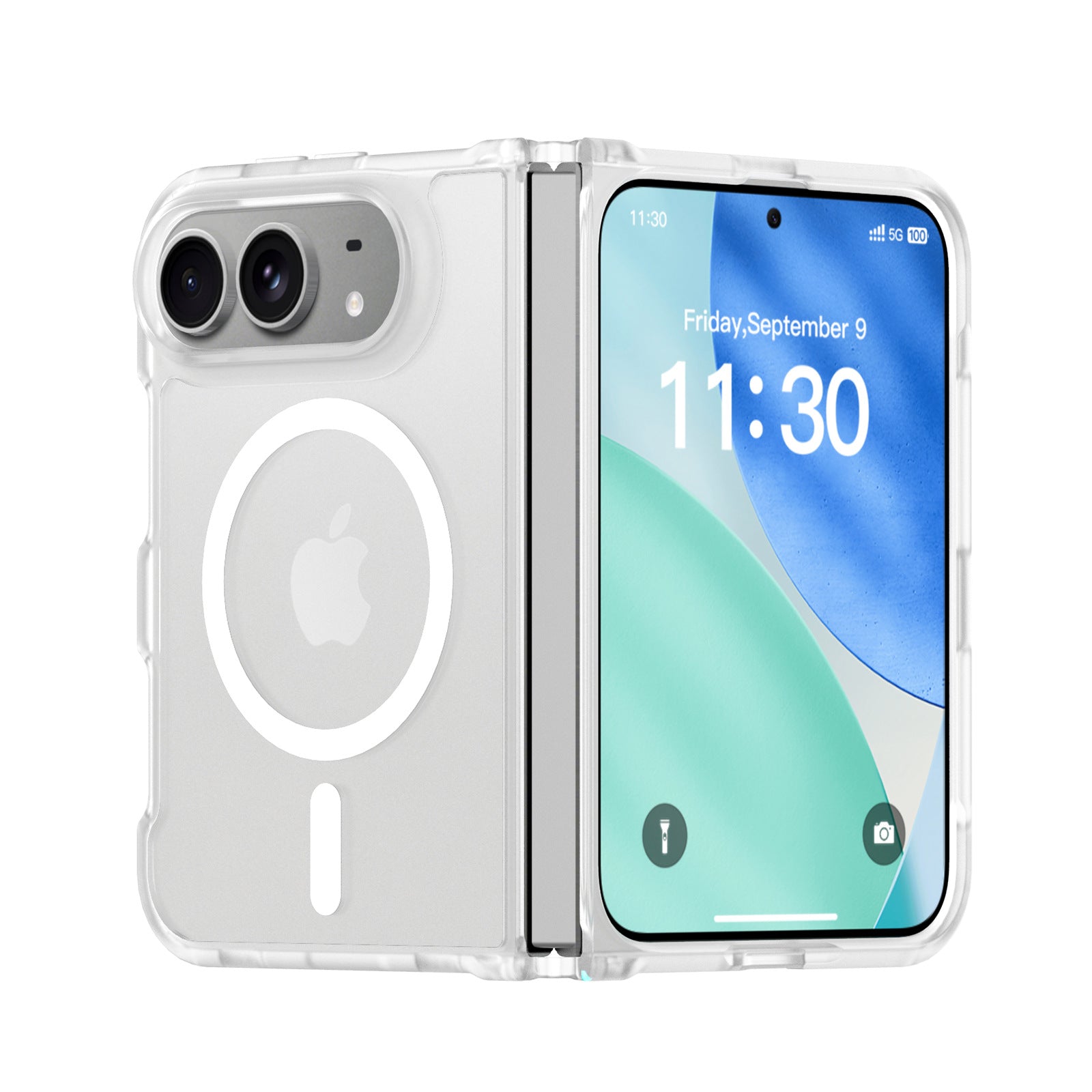
ZEERA ColorGuard Pro MagSafe Vegan Leather Case for iPhone Ultra
- Built-in tempered glass screen protector
- Premium vegan leather finish
- Magnetic hinge protection
- Reinforced shock-resistant frame
- Strong built-in MagSafe magnets

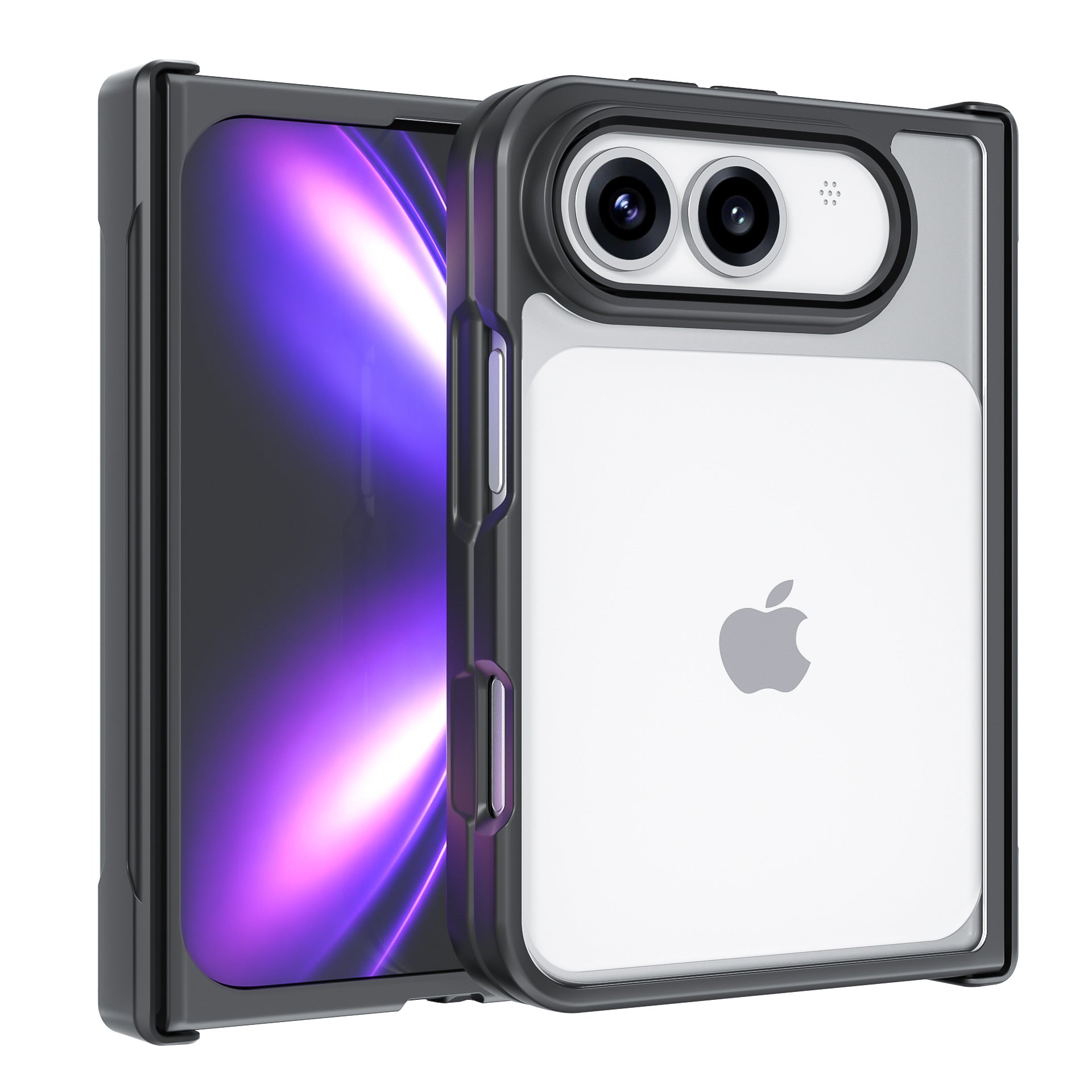
ZEERA FoldGuard Case for iPhone Ultra – 360° Full Protection
- Protects both screens and the hinge
- Flexible shock-absorbing TPU frame
- Durable PC backplate
- Optional N52 MagSafe version
- Optional 360° rotating stand
FAQ
Does iOS 27 completely redesign the Camera app?
No. The interface receives several refinements, but Siri Mode is the biggest functional change rather than a complete Camera redesign.
Does every iPhone with iOS 27 get Siri Mode?
No. iOS 27 supports more iPhones than Siri AI does. The full Siri AI experience requires an Apple Intelligence-compatible model, including iPhone 16 models or later and iPhone 15 Pro or Pro Max.
Can Siri Mode recognize food?
Yes. Apple has demonstrated Siri Mode identifying food and displaying nutritional information.
Can the iPhone Camera count calories in iOS 27?
It can provide estimated nutritional and calorie information through Visual Intelligence, but there is no dedicated calorie-counting Camera mode.
What is RAW 9?
RAW 9 is Apple's new machine-learning-based RAW processing pipeline designed to improve detail, noise reduction and image rendering.
Is Apple Reference Image available now?
No. References to the feature have appeared in iOS 27 beta software, but Apple has not officially launched it as a public feature.
When will iOS 27 be released?
Apple says iOS 27 will be released in fall 2026. Siri AI availability may also depend on device, language and region.


